Close Menu
    What's Hot

    Scanning & Enumeration in Cyber Attacks: How Hackers Discover Systems, Services, and Hidden Vulnerabilities

    March 31, 2026

    European Commission Confirms Cyberattack on Public Web Systems, Possible Data Breach Under Investigation

    March 30, 2026

    Uber Fined €290 Million for Data Transfer Violations – A Major Cybersecurity and Privacy Case Study (2024)

    March 29, 2026

    Anthropic Claude Leak Sparks Global Cybersecurity Shock: A Turning Point for the Industry

    March 28, 2026

    How Hackers Use Reconnaissance to Collect Information Before an Attack: Tools and Techniques Explained

    March 27, 2026
    Facebook X (Twitter) Instagram
    Tuesday, March 31
    CyberNexora News
    X (Twitter) Instagram LinkedIn
    • Home
    • Cyber Incidents
    • laws & government
    • Penalties
    • Learn & Protect
    • Resources
    • Contact Us
    Get Cyber Alerts
    CyberNexora News
    Home»Cyber Incidents»Critical WordPress Plugin Bug Actively Used to Take Over Websites

    Critical WordPress Plugin Bug Actively Used to Take Over Websites

    Critical WordPress Plugin Vulnerability Allows Unauthorized Admin Access
    Zeel_CyberexpertBy Zeel_CyberexpertJanuary 16, 2026Updated:March 4, 20263 Mins Read
    Facebook Twitter LinkedIn Email Telegram

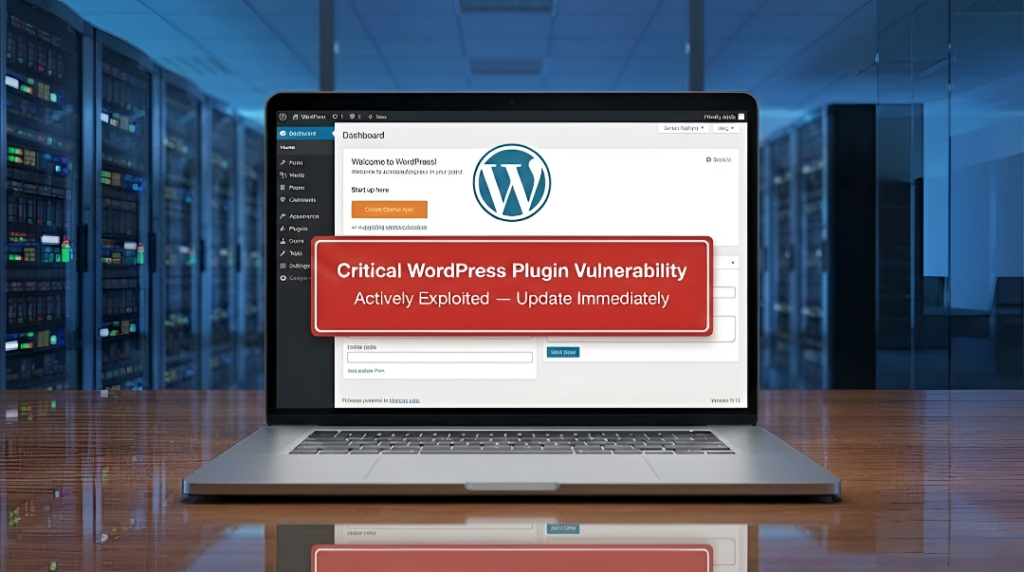
    A serious security flaw has been discovered in a popular WordPress plugin called Modular DS, and attackers are already abusing it to take control of websites.

    The vulnerability allows anyone on the internet to gain administrator access to a site without needing a username or password. Because of this, affected websites can be fully hijacked β€” content can be changed, malicious code can be inserted, users can be redirected to scam pages, and private data can be stolen.

    The issue exists in all versions of Modular DS up to version 2.5.1 and has been fixed in version 2.5.2. The plugin is used on more than 40,000 websites, which makes this vulnerability especially dangerous.

    What exactly is happening?
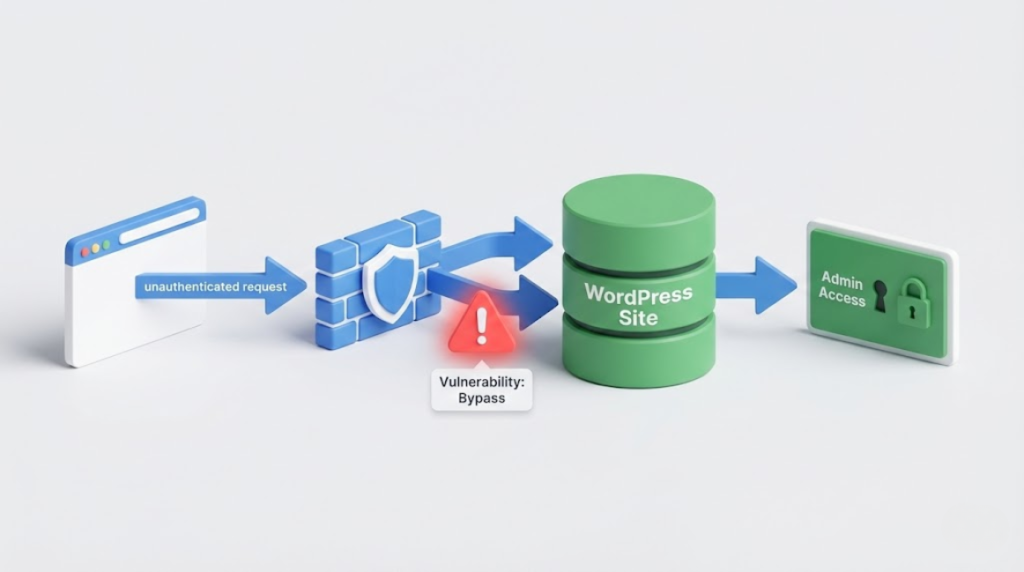
    The plugin exposes a set of API endpoints used for internal communication. These endpoints were supposed to be protected behind authentication, but due to a logic flaw in how requests are verified, attackers can bypass this protection by simply adding specific parameters to their request.

    Once bypassed, attackers can access sensitive internal routes β€” including a login route β€” and force the system to log them in as an administrator. This gives them full control of the website.

    What attackers can do
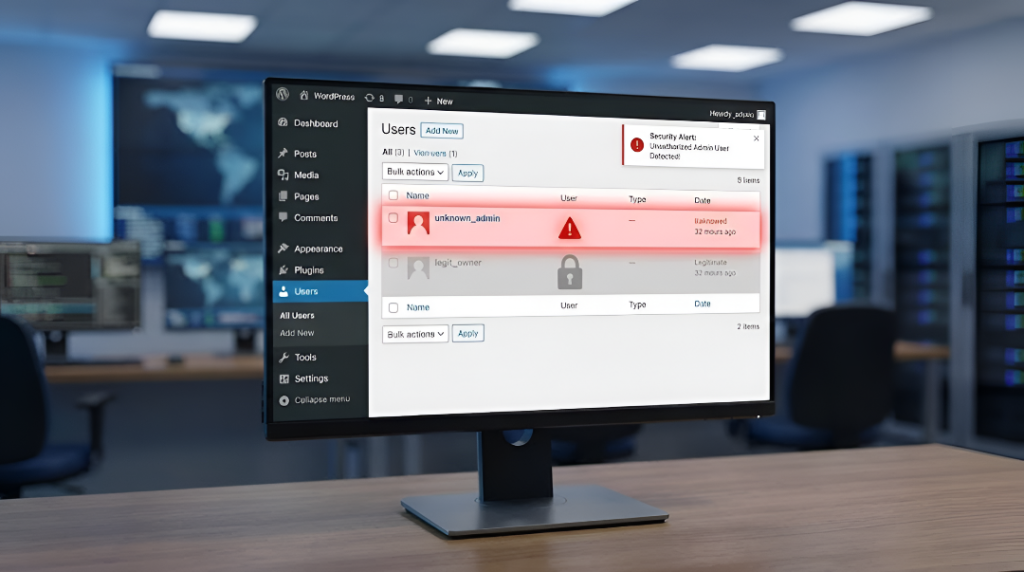
    With administrator access, an attacker can:

    • Create new admin users
    • Modify or delete website content
    • Install malicious plugins or backdoors
    • Redirect visitors to phishing or scam pages
    • Steal user or system information

    In many cases, victims may not notice the compromise immediately, allowing attackers to stay hidden for long periods.

    Active exploitation confirmed

    Security teams have confirmed that this vulnerability is not theoretical β€” it is actively being used in real attacks. Malicious requests targeting Modular DS sites have been detected since January 13, 2026, and several websites have already been compromised through this flaw.

    What site owners should do

    Anyone using Modular DS should take immediate action:

    • Update the plugin to version 2.5.2 or newer
    • Review admin users for anything unfamiliar
    • Check server logs for suspicious API requests
    • Change all administrator passwords
    • Scan the site for injected or modified files

    If updating is not possible right now, the safest option is to temporarily disable the plugin.

    Why this matters

    This incident highlights how dangerous small design mistakes can become when internal systems are exposed to the public internet without proper verification. Even a single insecure parameter can be enough to break the entire security model of an application.

    Website owners should treat plugin security updates as critical, not optional β€” especially for plugins that manage authentication, backups, or server connections.

    Share. Facebook Twitter LinkedIn Email Telegram

    letest news

    Scanning & Enumeration in Cyber Attacks: How Hackers Discover Systems, Services, and Hidden Vulnerabilities

    March 31, 2026

    European Commission Confirms Cyberattack on Public Web Systems, Possible Data Breach Under Investigation

    March 30, 2026

    Uber Fined €290 Million for Data Transfer Violations – A Major Cybersecurity and Privacy Case Study (2024)

    March 29, 2026

    Anthropic Claude Leak Sparks Global Cybersecurity Shock: A Turning Point for the Industry

    March 28, 2026

    How Hackers Use Reconnaissance to Collect Information Before an Attack: Tools and Techniques Explained

    March 27, 2026

    β‚Ή10.6 Crore Cyber Fraud Network Busted by Delhi Police; Multiple Arrests Across States

    March 26, 2026

    DarkSword Spyware Exposes Millions of Apple Devices to Critical Cyber Risk

    March 25, 2026

    Telegram β€œEasy Task” Scam: How Small Payments Turn Into Big Losses (And How to Stay Safe)

    March 24, 2026

    AU Small Finance Bank Fraud Probe Deepens: Former Regional Head Under Scanner in β‚Ή590 Crore Case

    March 23, 2026

    Pune Online Scam: Senior Citizen Loses β‚Ή3.10 Lakh in Fake Electric Stove Purchase Amid Gas Shortage

    March 22, 2026
    Recent Posts
    • Scanning & Enumeration in Cyber Attacks: How Hackers Discover Systems, Services, and Hidden Vulnerabilities
    • European Commission Confirms Cyberattack on Public Web Systems, Possible Data Breach Under Investigation
    • Uber Fined €290 Million for Data Transfer Violations – A Major Cybersecurity and Privacy Case Study (2024)
    Top Posts

    Unauthorized Access Incident at Coupang Exposes Customer Data

    December 29, 2025

    Significant Data Breach at Korean Air Subcontractor Exposes Employee Records

    December 29, 2025

    Scanning & Enumeration in Cyber Attacks: How Hackers Discover Systems, Services, and Hidden Vulnerabilities

    March 31, 2026
    About

    CyberNexora Blog provides trusted cybersecurity news, attack analysis, and security awareness updates. Our goal is to educate and inform readers about emerging cyber threats and best protection practices.

    Facebook X (Twitter) Instagram Pinterest LinkedIn
    Pages
    • Home
    • Cyber Incidents
    • laws & government
    • Penalties
    • Learn & Protect
    • Resources
    • Contact Us
    Subscribe to Our Newsletter

    Get Cyber Security Alerts

    Get trusted cybercrime alerts and security updates.

    Thanks! Please check your email to confirm subscription.

    • About Us
    • Privacy Policy
    © 2025 CyberNexora News. All Rights Reserved.

    Type above and press Enter to search. Press Esc to cancel.