
Introduction: Malicious npm Packages — Why It Matters
Malicious npm Packages are being used in a phishing campaign that abuses trusted npm mirrors rather than directly infecting developers through package installation. According to OX Security’s research published on August 25, 2026, researchers identified 24 npm packages containing the same malicious HTML page designed to imitate a Cloudflare verification screen.
The campaign is notable because the packages can turn legitimate infrastructure such as unpkg and npmmirror into delivery points for phishing content. Some packages reportedly received between 50 and 300 weekly downloads before removal, although the primary objective appears to be hosting and distributing malicious web content rather than infecting users who install the packages.
What Caused the Incident?
Malicious npm Packages abuse the way npm packages are automatically mirrored by third-party services. Platforms such as unpkg, yarn and npmmirror can expose individual package files through their own domains.
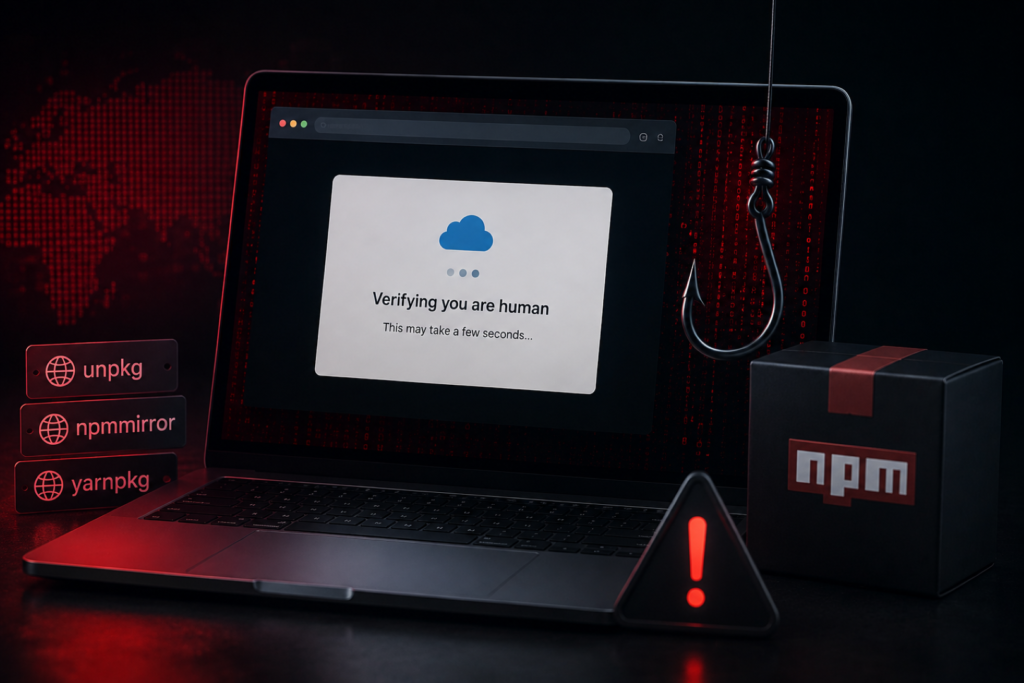
The Malicious npm Packages contain an HTML page rather than a conventional executable malware payload. When someone opens the mirrored HTML file directly, the page can render as a fake Cloudflare verification screen on a domain that may appear trustworthy.
This creates an important distinction from traditional npm supply-chain attacks:
- Installing the identified packages does not, by itself, infect the computer.
- The malicious HTML acts as a web-based phishing mechanism.
- Trusted mirror domains provide hosting infrastructure for the page.
- Remote logic can determine where a visitor is redirected.
OX Security said the campaign contained 24 distinct packages sharing the same malicious code.
Malicious npm Packages: Technical Breakdown
How the Attack Works
The attack follows a relatively simple but effective chain:
- An attacker publishes a package containing a malicious HTML page to npm.
- Legitimate npm mirrors automatically copy or expose the package files.
- A visitor opens the HTML file through a trusted mirror domain.
- The page displays a fake Cloudflare-style security verification.
- JavaScript communicates with remote infrastructure to determine the next destination.
- The visitor can then be redirected to another website controlled or selected by the attacker.
OX Security observed an earlier version using a typosquatted Microsoft-related domain. Later versions used a legitimate key-value service to retrieve encrypted redirect information. At the time of the researchers’ analysis, the remote logic redirected users to the legitimate ChatGPT website, but OX Security warned that the mechanism could potentially be configured to deliver ClickFix or other phishing destinations.
Affected Package Activity
OX Security listed 24 packages associated with Malicious npm Packages. Their reported status included packages that had been taken down as well as others that were still live when the research was published.
The researchers also identified the following indicator from the earlier infrastructure:
login[.]microsofte[.]live
Security teams should avoid visiting suspicious URLs associated with the campaign and should treat unexpected HTML files served through package mirrors as potentially hostile.
Potential Risks & Impact
Phishing and Malware Risk
The biggest risk from Malicious npm Packages is not package installation but trusted-domain abuse. Users may see a familiar mirror domain in the browser and assume the content is safe.
ClickFix-style attacks are particularly dangerous because fake CAPTCHA or verification pages can persuade users to perform actions that ultimately execute malicious commands. CISA’s cybersecurity advisory on ClickFix documents how fake CAPTCHA pages can trick users into copying and executing malicious PowerShell commands. This technique demonstrates why unexpected verification pages should not be treated as harmless security checks.
Business and Reputational Risk
Organizations that automatically trust popular package mirrors could inadvertently allow Malicious npm Packages through URL filtering or reputation controls.
The campaign also demonstrates how attackers can repurpose legitimate infrastructure without compromising the infrastructure provider itself. This can make traditional domain-based blocking less effective.
Security Monitoring Risk
Security teams that monitor only npm package installation events may miss this activity. Direct requests for .html files hosted inside mirrored packages can provide an additional detection opportunity.
OX Security recommends monitoring proxy and DNS logs for direct HTML requests to npm mirror domains associated with mirrored packages.
Official Response / Statement
OX Security identified and documented the campaign in its security research. The company recommends treating npm mirror domains such as unpkg, npmmirror, yarn and Tencent as potential phishing hosts when they are accessed outside normal package-mirroring use.
There is no indication in the available research that the npm mirror services themselves were compromised. Instead, the campaign exploits the legitimate way these services distribute package content.
Industry Context: Why This Type of Attack Is Increasing
Malicious npm Packages reflect a broader shift toward abusing trusted infrastructure for malicious delivery. Attackers increasingly look for services that already have strong domain reputation, high availability and broad access across corporate networks.
For security teams, this means a trusted domain should not automatically be treated as trusted content. Organizations tracking similar incidents can follow CyberNexora’s latest cyber incident coverage and security resources for related developments.
The technique also highlights the importance of software supply-chain monitoring. Malicious dependencies have increasingly been used for phishing, credential theft and other attacks, making package reputation and behavioral analysis important parts of application security.
How to Protect Yourself and Your Organization
- Do not trust a domain alone. A legitimate npm mirror can still serve malicious package content.
- Block suspicious direct HTML requests. Monitor requests for
.htmlfiles hosted inside mirrored package paths. - Inspect redirects. Security tools should analyze redirect chains instead of judging only the first domain.
- Train employees against fake verification pages. Legitimate CAPTCHA services should not require users to copy, paste or manually execute commands.
- Use URL reputation and phishing detection. Include npm mirror domains in monitoring and detection pipelines rather than automatically allowing every page they serve.
- Review proxy and DNS logs. Look for unusual requests to package mirrors, especially from endpoints that normally do not access npm infrastructure.
- Maintain browser and endpoint protections. Updated browsers, endpoint security and network filtering can help block known malicious infrastructure.
Organizations can also review CyberNexora’s practical cybersecurity protection guidance for broader defensive measures.
Indicators of Compromise (IoCs)
login[.]microsofte[.]live- Suspicious HTML files served from npm mirror domains
- Direct
.htmlrequests to mirrored npm package paths - Unexpected redirects originating from npm package mirror URLs
Key Takeaways
- OX Security identified 24 malicious npm packages containing the same phishing HTML.
- The campaign behind Malicious npm Packages abuses trusted npm mirrors as hosting and redirect infrastructure.
- Installing the packages alone does not appear to infect a system.
- Fake Cloudflare-style verification pages create a potential ClickFix delivery mechanism.
- Security teams should monitor package mirrors for suspicious HTML requests and redirects.
Conclusion: Malicious npm Packages and What Happens Next
Malicious npm Packages demonstrate that software ecosystems can be abused even when the malicious package does not execute code during installation. By using npm and its mirrors as trusted storage and delivery infrastructure, attackers can make phishing pages appear more credible to victims and potentially bypass simple domain-based security controls.
Organizations should watch for additional packages, changing redirect infrastructure and new phishing campaigns using trusted hosting services. Readers can follow CyberNexora’s ongoing cybersecurity incident coverage as researchers identify further developments.
Frequently Asked Questions(FAQs)
The term refers to 24 npm packages identified by OX Security that contained a malicious HTML page imitating a Cloudflare verification screen. The packages were primarily used as infrastructure for phishing rather than as traditional install-time malware.
No, according to OX Security, downloading and installing the identified packages does not by itself infect the user’s machine. The primary danger comes from opening the malicious HTML content through npm or its mirrors.
Attackers upload malicious HTML to npm, after which legitimate mirror services may expose the package files through their own domains. A visitor can then encounter the phishing page while viewing content hosted on a trusted mirror.
The malicious pages can imitate security verification screens and use remote redirect logic. OX Security said the infrastructure could potentially be configured to deliver ClickFix or other phishing destinations.
Organizations should monitor proxy and DNS logs for unusual direct requests to .html files hosted within npm mirror paths. URL reputation, redirect analysis and phishing detection should also cover package-mirror infrastructure.
Users should avoid copying or executing commands requested by an unexpected verification page. They should close the page, report the suspicious URL to their security team and allow endpoint or browser protections to investigate it.