
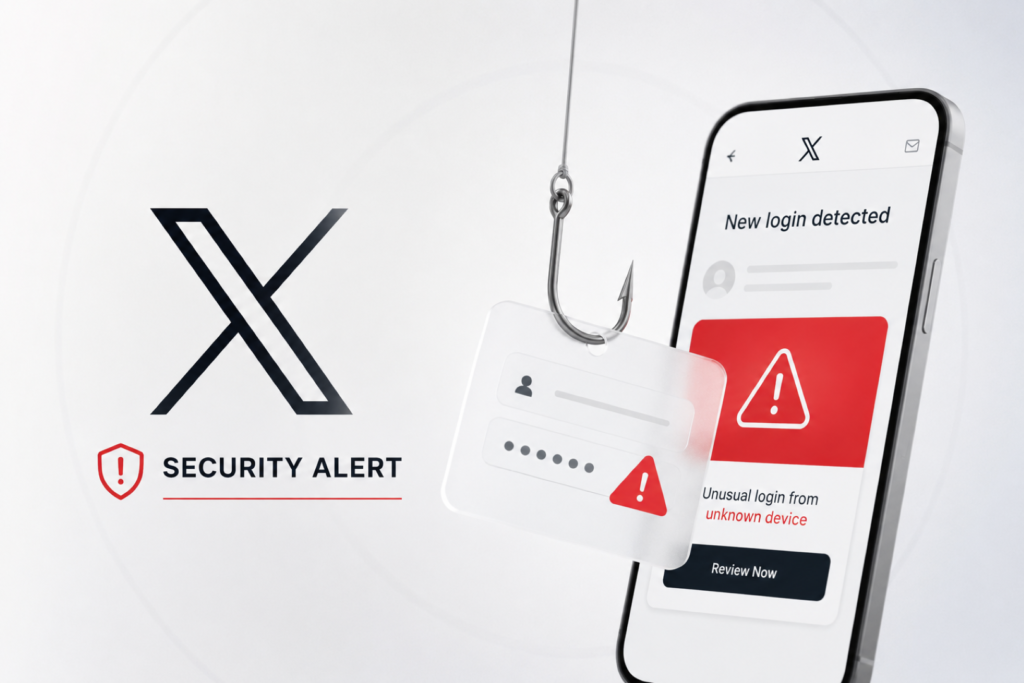
Introduction: X Security Alert Phishing Scam — Why It Matters
The X Security Alert Phishing Scam is targeting users with convincing fake security emails designed to steal account credentials. According to reports, cybercriminals are impersonating X by sending login alerts that claim an unknown device has accessed a user’s account.
The emails urge recipients to click a link immediately to reset their password or review app access. However, instead of leading to the official X platform, the link redirects victims to a fake login page where attackers can capture usernames, passwords, and potentially one-time passwords (OTPs).
According to The Guardian, the phishing campaign closely mimics X’s official branding, making it difficult for users to distinguish fraudulent emails from legitimate security notifications.
What is X?
X, formerly known as Twitter, is one of the world’s largest social media platforms, allowing users to share news, opinions, videos, and live updates in real time. Millions of individuals, journalists, businesses, and government organizations rely on the platform daily.
Because of its massive user base, X remains a frequent target for phishing campaigns that attempt to compromise user accounts through social engineering techniques rather than technical vulnerabilities.
What Caused the Incident?
Unlike a traditional data breach, the X Security Alert Phishing Scam 2026 relies on deception instead of exploiting software flaws.
Attackers send fraudulent emails claiming suspicious login activity has been detected. The emails create urgency, encouraging users to click a malicious link before they have time to verify its authenticity.
Once victims land on the fake website, any credentials entered are transmitted directly to the attackers.
X Security Alert Phishing Scam: Full Breakdown
Timeline of Events
- Reports surfaced indicating the X Security Alert Phishing Scam was targeting X users through fake login alert emails.
- Victims received alerts claiming a new device had accessed their accounts.
- Emails instructed recipients to reset passwords immediately.
- Clicking the embedded link redirected users to counterfeit login pages.
- Security experts advised users to verify alerts directly through the official X app instead of using email links.
How the Scam Works
The X Security Alert Phishing Scam uses carefully designed phishing emails that resemble genuine security notifications from X. They typically include:
- Official-looking X branding
- Professional formatting
- No obvious spelling or grammatical mistakes
- Urgent warnings about unauthorized account access
- A prominent button or hyperlink requesting an immediate password reset
Cybersecurity expert Jake Moore advises users to verify the sender’s email address before trusting any security notification.
According to X’s Help Center, official emails are sent only from:
- @x.com
- @e.x.com
Any login alert arriving from another domain should be treated with suspicion.
Potential Risks & Impact
Identity and Account Security Risks
If attackers obtain a user’s login credentials, they may:
- Access private messages
- Change account passwords
- Lock legitimate users out of their accounts
- Impersonate victims to spread additional phishing campaigns
- Reuse stolen passwords on other websites if password reuse is involved
Business and Reputation Risks
Compromised social media accounts can damage personal and organizational reputations. Businesses, journalists, influencers, and public figures may face:
- Loss of audience trust
- Distribution of fraudulent content
- Financial scams targeting followers
- Brand impersonation
Regulatory and Privacy Concerns
Although the X Security Alert Phishing Scam is primarily a phishing attack rather than a confirmed platform breach, compromised accounts can expose sensitive communications and personal information. Organizations should continue following cybersecurity awareness practices and regularly review account security policies.
Official Response
According to X’s Help Center, the platform never asks users to provide their password through email. Official security communications are sent only from verified X email domains.
Security experts recommend avoiding links contained in unexpected emails, even if they appear authentic. Instead, users should open the X application or manually visit the official X website to verify whether any genuine security alerts exist.
Industry Context: Why Phishing Attacks Are Increasing
Phishing remains one of the most successful cyberattack methods because it targets human behavior rather than technical weaknesses. Modern phishing campaigns now use professional branding, convincing language, and psychological urgency to increase success rates.
Cybercriminals also increasingly leverage automation and artificial intelligence to produce realistic phishing emails that are difficult to distinguish from legitimate communications.
Readers interested in similar cybersecurity incidents can explore CyberNexora’s Cyber Incidents category, while practical guidance on recognizing phishing attempts is available in the Learn & Protect section. Additional security best practices can also be found under the Resources category.
How to Protect Yourself
- Never click links in unexpected security emails.
- Verify alerts related to the X Security Alert Phishing Scam directly inside the official X app or by manually visiting the official X website.
- Check the sender’s email address carefully. Official X emails only come from @x.com or @e.x.com.
- Enable Two-Factor Authentication (2FA) to provide an additional layer of account protection.
- Use a strong and unique password that is not shared with other online accounts.
- Change your password immediately if you accidentally entered your credentials or OTP on a suspicious website.
- Monitor recent login activity and revoke access to unfamiliar devices or third-party applications.
- Stay informed about the latest phishing techniques through trusted cybersecurity resources and official security advisories.
Key Takeaways
- The X Security Alert Phishing Scam uses fake login alert emails to trick users into revealing their account credentials.
- The phishing emails closely imitate X’s official branding, making them appear legitimate.
- Official X security emails are sent only from @x.com or @e.x.com.
- Users should never click password reset links from unexpected emails and should verify alerts directly through the official X app or website.
- Enabling Two-Factor Authentication (2FA) can significantly reduce the risk of unauthorized account access.
Conclusion: X Security Alert Phishing Scam and What Happens Next
The X Security Alert Phishing Scam highlights how phishing campaigns continue to evolve by exploiting users’ trust rather than software vulnerabilities. As attackers create increasingly convincing emails, even experienced users can become targets if they react without verifying the source.
Users should remain cautious whenever they receive unexpected security alerts, especially those requesting immediate action. Verifying notifications through the official X app, enabling Two-Factor Authentication, and staying informed about emerging phishing techniques are essential steps to protect online accounts. Cybersecurity awareness remains one of the strongest defenses against social engineering attacks.
Frequently Asked Questions(FAQs)
The X Security Alert Phishing Scam is a phishing campaign that sends fake security emails claiming an unknown device accessed a user’s X account. The emails direct users to fraudulent login pages designed to steal their credentials.
Check the sender’s email address before taking any action. According to X, official security emails are sent only from @x.com or @e.x.com, and X never asks users to submit their password through email.
Immediately change your X account password if you entered your credentials on a suspicious website. You should also enable Two-Factor Authentication (2FA), review recent login activity, and sign out of unknown devices.
Yes. If attackers obtain your password and 2FA is not enabled, they may be able to access your account, change security settings, and impersonate you. Using a unique password together with 2FA greatly improves account security.
No. Based on currently available information, the campaign is a phishing attack targeting X users rather than evidence of a confirmed breach of X’s infrastructure. The attackers rely on deceptive emails instead of exploiting the platform itself.
Avoid clicking links in unexpected emails, verify security alerts through the official X app or website, enable 2FA, use a strong unique password, and regularly review your account’s login history.