
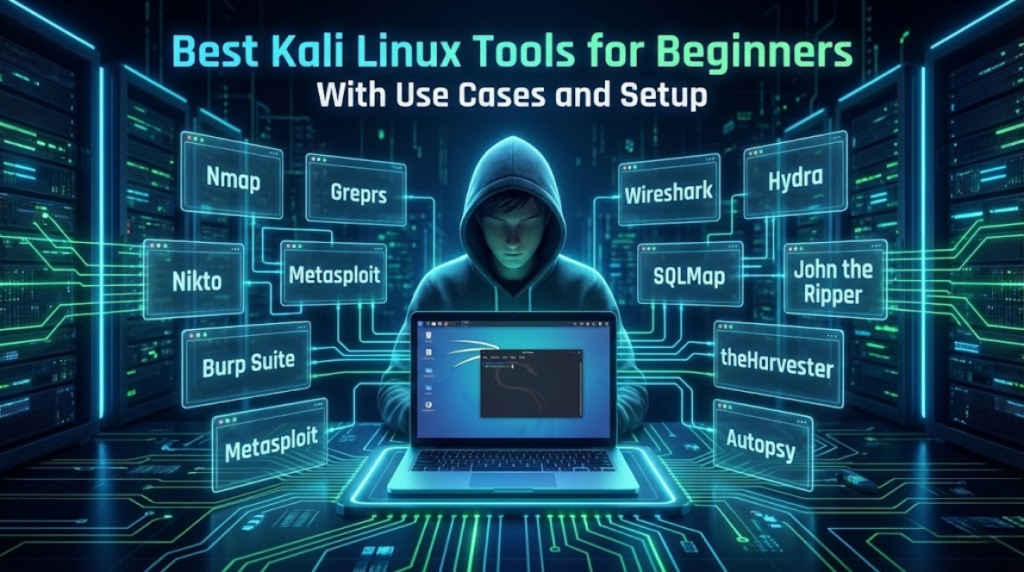
Kali Linux is often described as a “hacking OS,” but that description is incomplete and misleading.In reality, Kali Linux is a professional security testing and learning platform designed for penetration testers, SOC analysts, blue-team engineers, and cybersecurity students. It brings together hundreds of tools that support different parts of the security lifecycle — discovery, analysis, testing, and response.
For beginners, this can feel overwhelming.
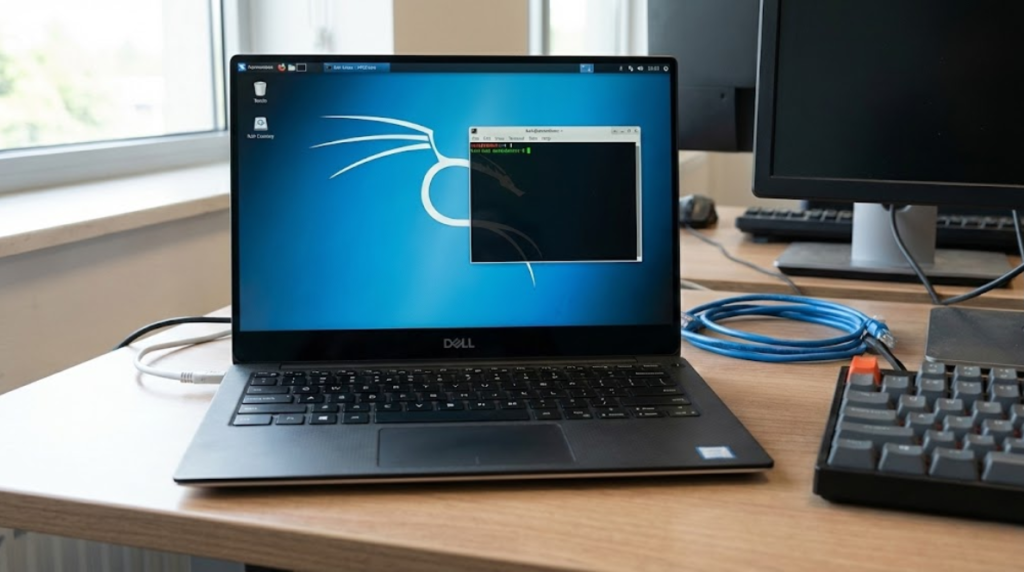
This guide solves that problem by:
- Selecting only the most useful beginner-friendly tools
- Explaining what problem each tool solves
- Showing how to install or access each tool
- Suggesting a safe and logical order to learn them
No myths, no hype — only practical guidance.
⚠️ Ethical Reminder: Always test only systems you own or have explicit permission to test.
1. Nmap — Understanding What Exists on a Network
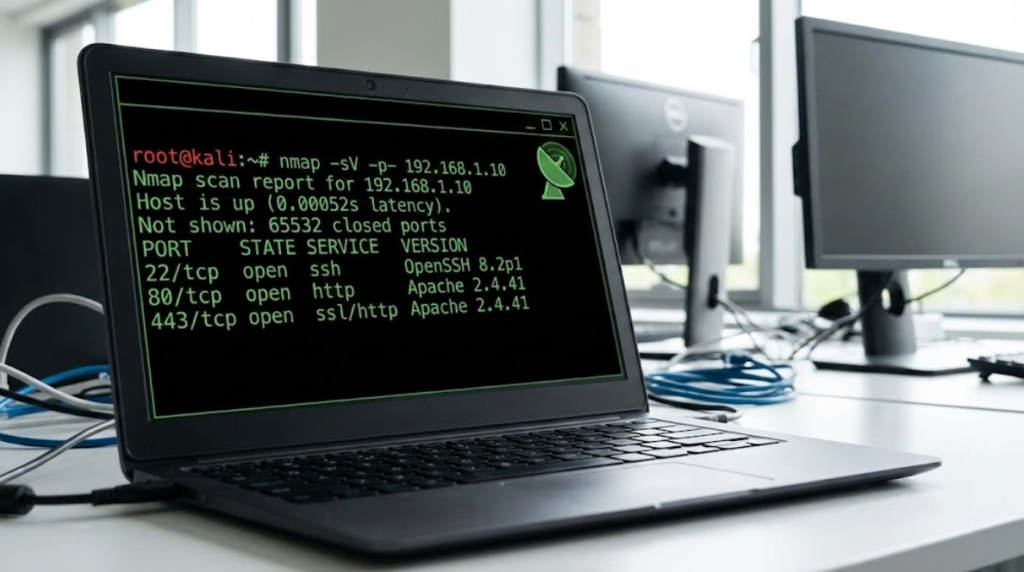
Purpose: Discover hosts, open ports, and running services on a network.
Why it matters:
Before you can secure or test anything, you must first know what exists. Nmap teaches you how networks expose services and where potential risks appear.
Typical beginner use:
Scanning your own lab network to see which machines are reachable and which services are active.
Install / Check:
sudo apt install nmap
nmap –version
Official: https://nmap.org
2. Nikto — Finding Common Web Server Misconfigurations
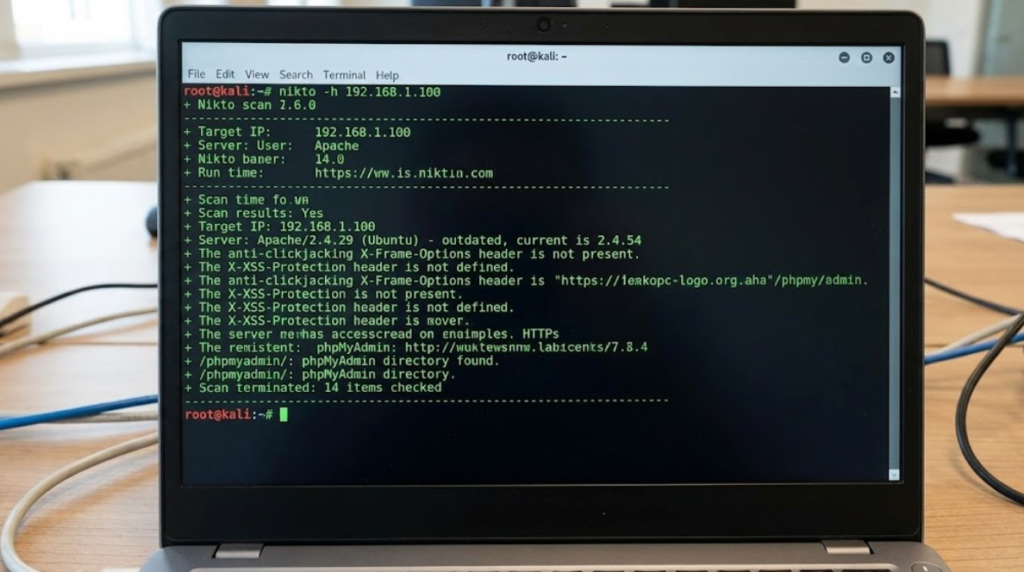
Purpose: Identify outdated software, insecure headers, and known risky configurations on web servers.
Why it matters:
Most real-world breaches happen because of simple mistakes — outdated versions, forgotten test pages, or insecure defaults.
Nikto trains you to think like a security auditor.
Install:
sudo apt install nikto
Official: https://cirt.net/Nikto2
3. Burp Suite (Community Edition) — Learning How Web Requests Work
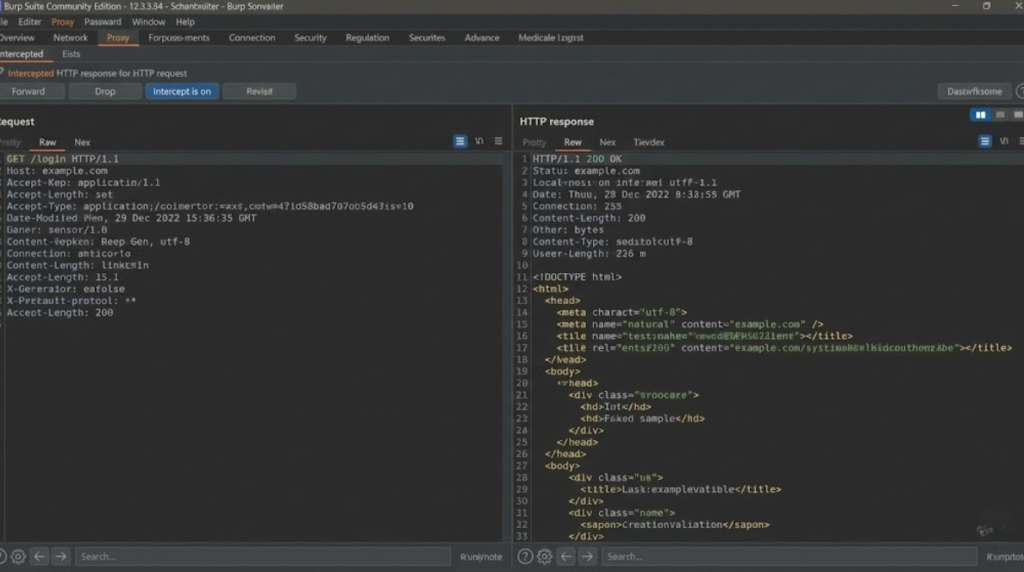
Purpose: Intercept, inspect, and modify HTTP/HTTPS traffic between browser and server.
Why it matters:
Web security is fundamentally about understanding requests and responses. Burp lets you see this conversation in real time.
Install:
sudo apt install burpsuite
Official: https://portswigger.net/burp
4. Metasploit Framework — Learning How Vulnerabilities Become Exploits
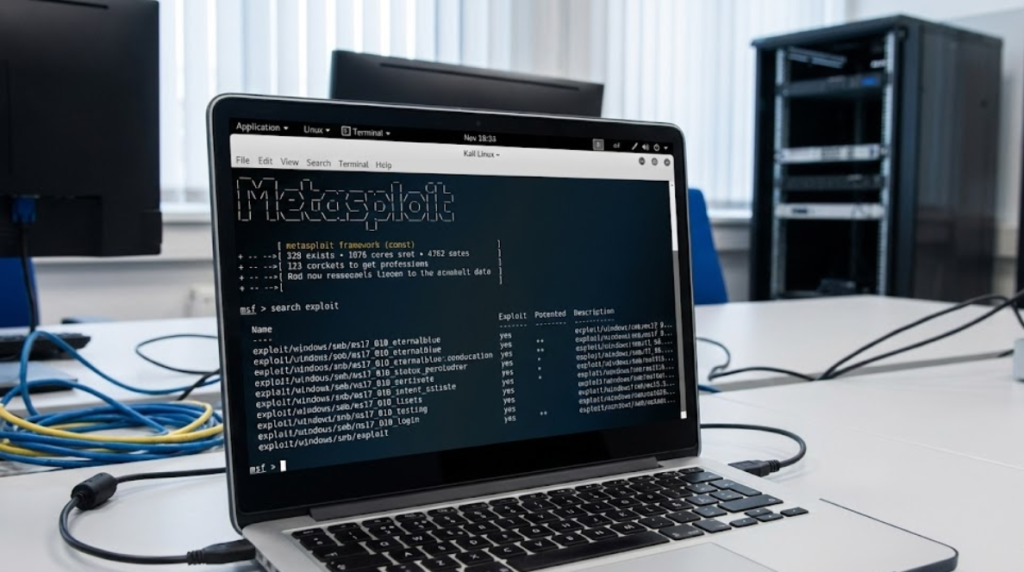
Purpose: Simulate exploitation of known vulnerabilities in a controlled lab.
Why it matters:
It connects theory (“this is vulnerable”) to reality (“this is how it is exploited”).
It also teaches:
- payload concepts
- sessions
- post-exploitation hygiene
Start:
msfconsole
Official: https://www.metasploit.com
5. Wireshark — Seeing the Network at the Packet Level
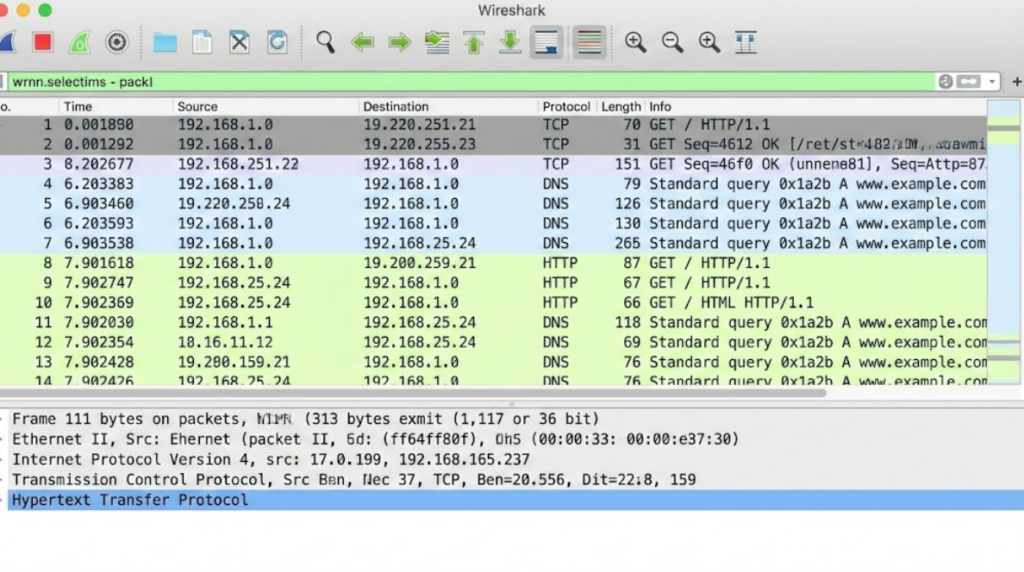
Purpose: Capture and analyze network packets.
Why it matters:
Wireshark reveals what data actually looks like on the wire. This is essential for understanding:
- DNS
- TCP handshakes
- HTTP behavior
- suspicious traffic
Install:
sudo apt install wireshark
Official: https://www.wireshark.org
6. SQLMap — Understanding Database Injection Risks
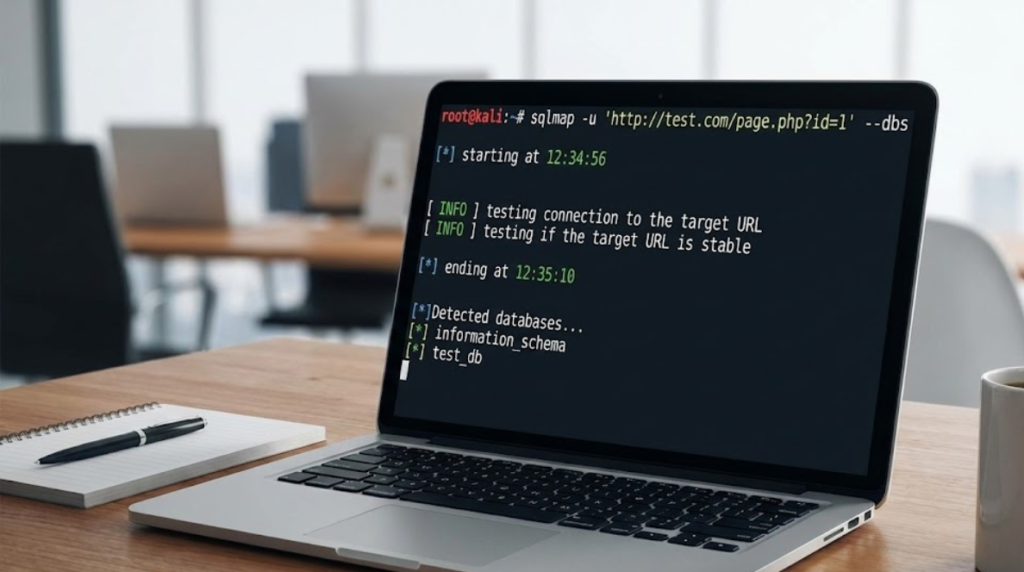
Purpose: Test web applications for SQL injection vulnerabilities.
Why it matters:
SQL injection remains one of the most damaging and common vulnerabilities. SQLMap helps you understand why it happens and how it is exploited.
Install:
sudo apt install sqlmap
Official: https://sqlmap.org
7. Hydra — Evaluating Authentication Strength
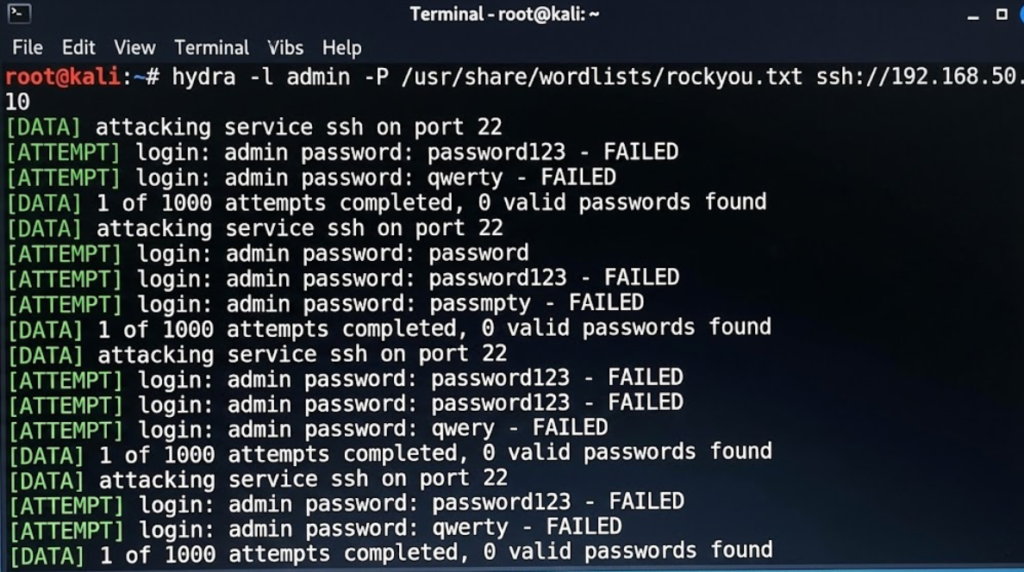
Purpose: Test how resistant login systems are to password attacks.
Why it matters:
Weak authentication is still a top breach vector. Hydra helps you measure password and account security — not to break in, but to improve defenses.
Install:
sudo apt install hydra
Official: https://github.com/vanhauser-thc/thc-hydra
8. John the Ripper — Testing Password Hash Security
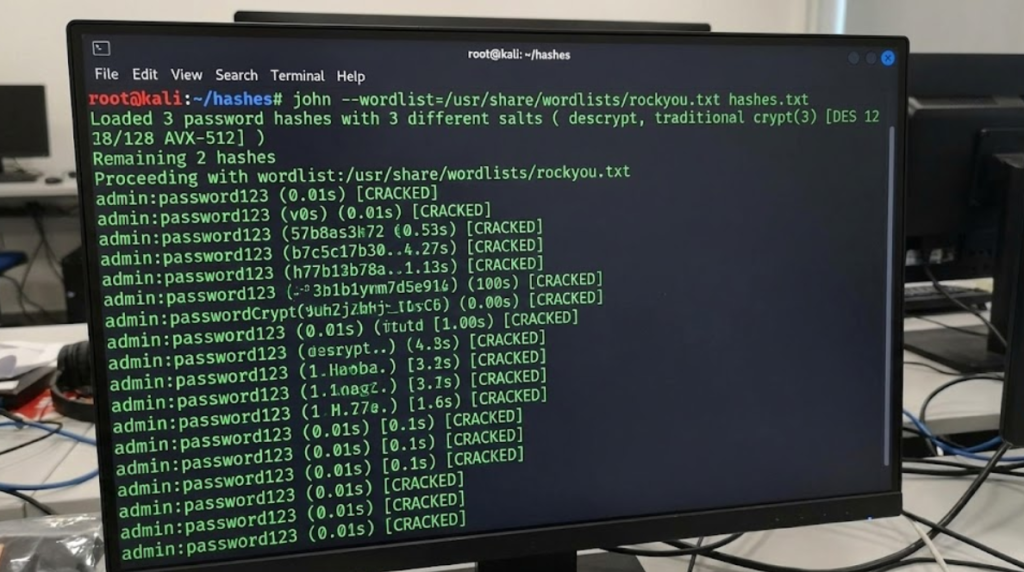
Purpose: Evaluate the strength of password hashes offline.
Why it matters:
It shows why hashing algorithms, salts, and password policies matter.
Install:
sudo apt install john
Official: https://www.openwall.com/john
9. theHarvester — Learning OSINT and External Exposure

Purpose: Gather publicly available data such as emails, domains, and subdomains.
Why it matters:
Attackers often begin with publicly visible information. Defenders must know what is exposed.
Install:
sudo apt install theharvester
Official: https://github.com/laramies/theHarvester
10. Autopsy — Introduction to Digital Forensics
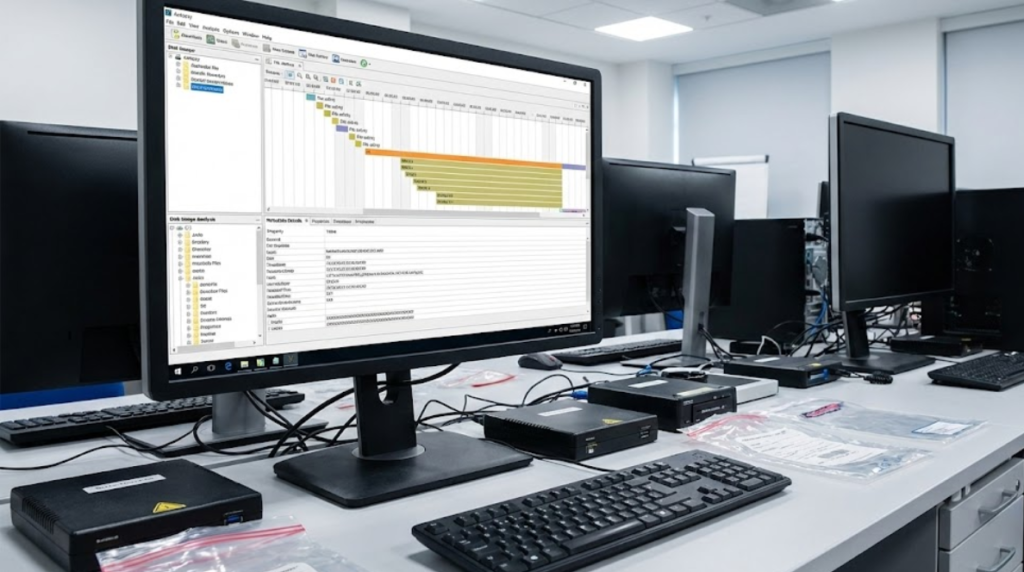
Purpose: Analyze disk images and file artifacts during investigations.
Why it matters:
Cybersecurity is not only about prevention but also about investigation and response.
Install:
sudo apt install autopsy
Official: https://www.sleuthkit.org/autopsy/
Where to Practice (Legally)

Final Thoughts
Kali Linux is not a hacking shortcut — it is a learning environment. Each tool teaches a different security concept: networking, web architecture, authentication, exposure, or investigation.
Beginners who focus on understanding instead of simply “running tools” become strong professionals. If you treat Kali as a classroom rather than a weapon, it will give you exactly what you need: clarity, skill, and confidence.