
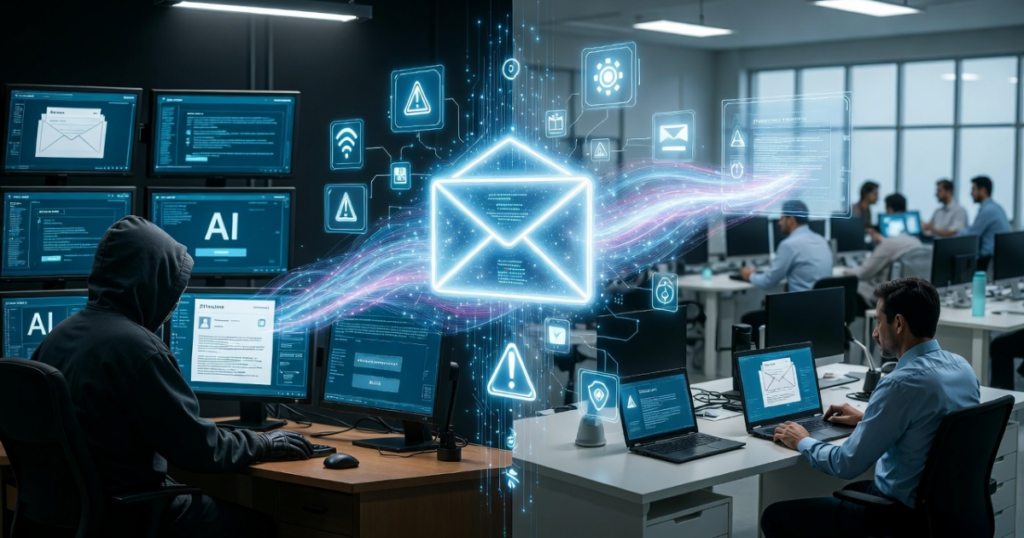
Phishing is a cyberattack in which criminals send fraudulent emails, messages, or links pretending to be from legitimate organizations. The goal is to trick victims into revealing sensitive information such as passwords, banking details, credit card numbers, or login credentials.
Most phishing emails appear to come from trusted companies such as banks, delivery services, social media platforms, or online shopping websites. The message usually asks the recipient to click a link, verify an account, or download an attachment.
Once the victim interacts with the email, attackers can steal their information or infect their device with malware.
Why Phishing Attacks Are Increasing
Phishing attacks are growing because they are relatively easy to launch and can target thousands of people at once. Unlike complex hacking techniques, phishing relies mainly on human behavior rather than technical vulnerabilities.
Attackers know that people tend to trust emails that appear urgent or come from recognizable brands. By creating a sense of fear or urgency, cybercriminals push victims to act quickly without verifying whether the message is legitimate.
For example, phishing emails often claim that:
- A bank account has suspicious activity
- A delivery package failed
- A password needs immediate reset
- A payment confirmation is required
In reality, these messages are designed to redirect users to fake websites controlled by attackers.
How Modern Phishing Emails Look So Real
In the past, phishing emails were easier to detect because they contained spelling mistakes and poorly designed layouts. Today, attackers use advanced tools to create messages that look nearly identical to official communications.
Cybercriminals copy company logos, email templates, and branding elements to make the email appear authentic. Some attackers even register domain names that closely resemble legitimate websites.
For example, instead of using a real domain such as:
company.com
they may use something similar like:
company-support.com
company-secure.co
At first glance, the difference may be difficult to notice, which is why many victims trust the message.
AI Is Making Phishing Even More Dangerous
One of the newest developments in cybercrime is the use of artificial intelligence in phishing campaigns. AI tools allow attackers to generate professional-looking emails with perfect grammar and convincing language.
These tools can also analyze information from social media profiles, company websites, or public databases. Using this information, attackers create personalized phishing messages that appear highly credible.
For example, an employee might receive an email that appears to come from their manager requesting urgent action. Because the message includes realistic details, the victim may not suspect anything unusual.
These targeted attacks are known as spear phishing, and they are increasingly used against businesses and organizations.
Common Types of Phishing Attacks
Phishing is no longer limited to email alone. Cybercriminals now use several different techniques to trick victims.
Email Phishing
The most common form, where attackers send fake emails pretending to be trusted companies.
Spear Phishing
A targeted attack directed at a specific individual or organization.
Smishing
Phishing messages sent through SMS or text messages.
Quishing (QR Code Phishing)
Attackers use malicious QR codes that redirect users to fake websites.
Business Email Compromise (BEC)
A sophisticated attack where criminals impersonate executives or managers to request money transfers or sensitive data.
Why Phishing Attacks Often Succeed
Phishing attacks are successful because they exploit human psychology. Attackers rely on urgency, fear, and curiosity to make victims react quickly.
Many phishing messages create pressure by saying that an account will be locked, a payment failed, or suspicious activity has been detected. When people believe their account may be at risk, they are more likely to click the link without carefully checking the email.
Another reason phishing works is that many fake websites look identical to real login pages. Victims often do not realize they have entered their credentials into a fraudulent page until it is too late.
Warning Signs of a Phishing Email
Although phishing emails can be convincing, there are still several warning signs that users should watch for.
- Suspicious or misspelled email addresses
- Unexpected requests for personal information
- Urgent messages demanding immediate action
- Links that redirect to unusual website domains
- Attachments from unknown senders
If any of these signs appear, it is safer not to interact with the email.
How to Protect Yourself from Phishing
Protecting yourself from phishing attacks requires both awareness and caution.
Always verify the sender before clicking links or downloading attachments. If an email claims to come from your bank or another service, visit the official website directly instead of using the link provided in the message.
Enable two-factor authentication on important accounts, which adds an extra layer of security even if your password is compromised.
Keeping your devices updated and using reliable antivirus software can also help prevent malware infections from malicious attachments.
Most importantly, remember that legitimate companies rarely ask for sensitive information through email.
Phishing remains one of the most common and dangerous cyber threats today. As attackers adopt new technologies such as artificial intelligence and advanced social engineering techniques, these scams are becoming increasingly difficult to detect.
However, by understanding how phishing works and recognizing the warning signs, users can significantly reduce the risk of becoming victims.
In the digital world, awareness is one of the strongest defenses against cybercrime.