
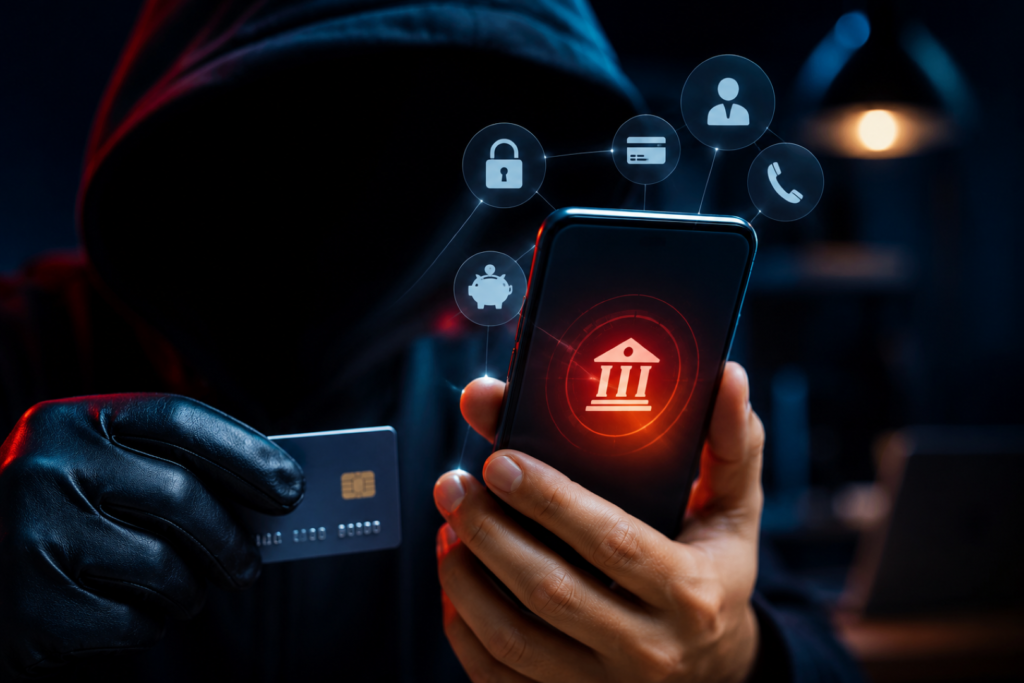
Introduction: Mobile Banking Fraud Tricks — Why They Matter
Mobile Banking Fraud Tricks are becoming increasingly sophisticated as cybercriminals combine social engineering, artificial intelligence, and digital payment systems to carry out Mobile Banking Fraud Tricks against unsuspecting users. From fake KYC verification calls to AI-generated voice scams, these fraud techniques are designed to steal banking credentials, OTPs, and hard-earned money within minutes.
As mobile banking and UPI transactions continue to grow across India and worldwide, understanding these scams is no longer optional. Recognizing the warning signs can help individuals and businesses avoid financial losses and protect sensitive personal information.
8 Mobile Banking Fraud Tricks You Should Know
1. Fake KYC Update Scams
Fraudsters behind Mobile Banking Fraud Tricks impersonate bank employees through phone calls, SMS messages, or WhatsApp chats, claiming that a customer’s Know Your Customer (KYC) verification has expired. Victims are pressured to share confidential information such as:
- OTPs
- ATM PINs
- Debit or credit card details
- Internet banking credentials
Some scammers also convince users to install malicious applications disguised as official banking software, giving attackers complete access to the victim’s device.
Red Flag: Banks never ask customers to share OTPs, PINs, or passwords over calls or messages.
2. Phishing and Smishing Links
Cybercriminals use Mobile Banking Fraud Tricks by distributing fake SMS messages, emails, and WhatsApp notifications that appear to come from legitimate banks. These messages often claim that an account has been suspended, blocked, or requires immediate verification.
Victims are redirected to counterfeit banking websites that closely resemble official portals. Once login credentials are entered, attackers capture usernames, passwords, and OTPs to access bank accounts.
Common phishing messages include:
- “Your account will be blocked today.”
- “Verify your KYC immediately.”
- “Claim your banking reward.”
- “Update your PAN details now.”
Always verify website URLs before entering banking credentials.
3. QR Code Payment Fraud
One of the fastest-growing Mobile Banking Fraud Tricks involves fraudulent QR codes.
Scammers claim they need to send money to the victim and request that they scan a QR code to receive the payment. In reality, scanning the QR code and entering a UPI PIN authorizes an outgoing payment instead of receiving funds.
Remember:
- Receiving money never requires entering a UPI PIN.
- A UPI PIN is only needed when sending money.
Understanding this simple rule can prevent significant financial losses.
4. Remote Access App Scams
Fraudsters use Mobile Banking Fraud Tricks to persuade victims to install screen-sharing or remote-control applications by claiming they are needed for KYC verification, customer support, or cashback claims.
Once installed, attackers can:
- View banking applications
- Monitor OTPs
- Record passwords
- Control the device remotely
- Initiate unauthorized transactions
Legitimate banks do not ask customers to install remote access software for account verification.
5. SIM Swap Attacks
SIM swap fraud occurs when criminals fraudulently obtain a replacement SIM card linked to the victim’s mobile number.
Once activated, attackers begin receiving:
- Banking OTPs
- Authentication messages
- Password reset codes
This enables them to reset passwords and gain unauthorized access to banking and payment applications.
Unexpected loss of mobile network service should be treated as a warning sign and reported immediately to both the telecom operator and the bank.
6. AI Voice and Bank Impersonation Calls
Artificial intelligence has enabled cybercriminals to create Mobile Banking Fraud Tricks using realistic human voices capable of impersonating bank representatives or even trusted contacts.
Combined with caller ID spoofing, these scams create a false sense of urgency by claiming:
- Unauthorized transactions have occurred.
- Your account has been frozen.
- Immediate verification is required.
- Funds must be transferred for protection.
Victims often reveal confidential banking information under pressure, believing they are speaking with legitimate officials.
7. Fake Customer Care Numbers
Many victims search online for bank helpline numbers during emergencies. Cybercriminals exploit this behavior by publishing fake customer support numbers through advertisements, fraudulent websites, and manipulated search results.
When victims call these numbers, scammers request:
- Banking usernames
- Debit card details
- OTPs
- Remote access installation
Always obtain customer care numbers from the official bank website or banking application.
8. Safe Account Transfer Scam
In this scam, fraudsters falsely claim that the victim’s account has been compromised due to suspicious activity.
They instruct victims to transfer their money to a so-called “safe” or “secure” account while the issue is investigated. The destination account is actually controlled by the criminals, making fund recovery extremely difficult.
Banks never ask customers to transfer money to another account for security purposes.
Industry Context: Why These Banking Scams Are Increasing
The rapid growth of digital banking, instant UPI payments, AI-powered communication tools, and widespread smartphone adoption has expanded opportunities for cybercriminals. Rather than exploiting technical vulnerabilities alone, attackers increasingly rely on psychological manipulation to convince victims to voluntarily disclose sensitive information.
Readers looking to strengthen their cybersecurity knowledge can explore additional guidance through CyberNexora News’ Learn & Protect, Cyber Incidents, and Resources sections. These categories provide practical security tips, updates on emerging cyber threats, and educational content to help individuals and organizations stay informed about the evolving threat landscape.
For trusted and up-to-date banking security guidance, readers should also refer to the Reserve Bank of India (RBI) and CERT-In. These official authorities regularly publish cybersecurity advisories, fraud prevention recommendations, and alerts to help users recognize and defend against the latest banking and digital payment scams.
How to Protect Yourself from Mobile Banking Fraud
Following these security practices can significantly reduce the risk of becoming a victim of Mobile Banking Fraud Tricks:
- Never share OTPs, PINs, passwords, or CVV numbers, even if the caller claims to be from your bank.
- Verify website URLs before logging into your internet banking or UPI accounts.
- Avoid scanning QR codes from unknown individuals when someone claims to send you money.
- Install banking apps only from official app stores and never download applications shared through SMS, WhatsApp, or email links.
- Enable transaction alerts and multi-factor authentication (MFA) to detect suspicious activity quickly.
- Immediately contact your bank and telecom provider if your mobile network suddenly stops working, as it could indicate a SIM swap attack.
- Search for customer care numbers only on your bank’s official website instead of relying on search engine advertisements.
- Stay informed by following trusted cybersecurity awareness resources such as CyberNexora News’ Learn & Protect section: https://blog.cybernexora.com/category/learn-protect/
Key Takeaways
- Fake KYC requests remain one of the most common banking scams.
- QR code scams exploit misunderstandings about UPI payments.
- AI-generated voice calls and caller ID spoofing are making impersonation attacks more convincing.
- SIM swap attacks can give cybercriminals complete access to banking OTPs.
- Awareness and cautious verification remain the strongest defenses against mobile banking fraud.
Conclusion: Mobile Banking Fraud Tricks and What Happens Next
As digital banking continues to evolve, cybercriminals are adapting their tactics with equal speed. Mobile Banking Fraud Tricks now rely more on manipulating human behavior than exploiting software vulnerabilities, making awareness one of the most effective security measures.
Financial institutions, regulators, and cybersecurity experts continue to strengthen fraud detection systems, but users also play a critical role in protecting their accounts. By recognizing these eight common scams and following basic cyber hygiene practices, individuals can significantly reduce their risk of financial loss. For more cybersecurity awareness articles, visit CyberNexora News’ Resources section.
Frequently Asked Questions(FAQs)
Mobile Banking Fraud Tricks are deceptive techniques used by cybercriminals to steal banking credentials, OTPs, money, or personal information through phishing, fake calls, QR codes, remote access apps, and other social engineering tactics.
Fake KYC messages often create urgency by claiming your account will be blocked immediately. Legitimate banks never ask customers to share OTPs, PINs, or passwords through calls, SMS, WhatsApp, or email.
No. Receiving money does not require scanning a QR code or entering your UPI PIN. If you’re asked to enter your UPI PIN, you are authorizing a payment instead of receiving one.
Immediately contact your telecom provider to verify your SIM status and inform your bank to temporarily secure your account. Changing your banking passwords and monitoring transactions is also recommended.
Use strong passwords, enable multi-factor authentication, install banking apps only from trusted sources, verify official bank communications, and avoid sharing confidential banking information with anyone.