
Introduction: Brave Email Aliases — Why It Matters
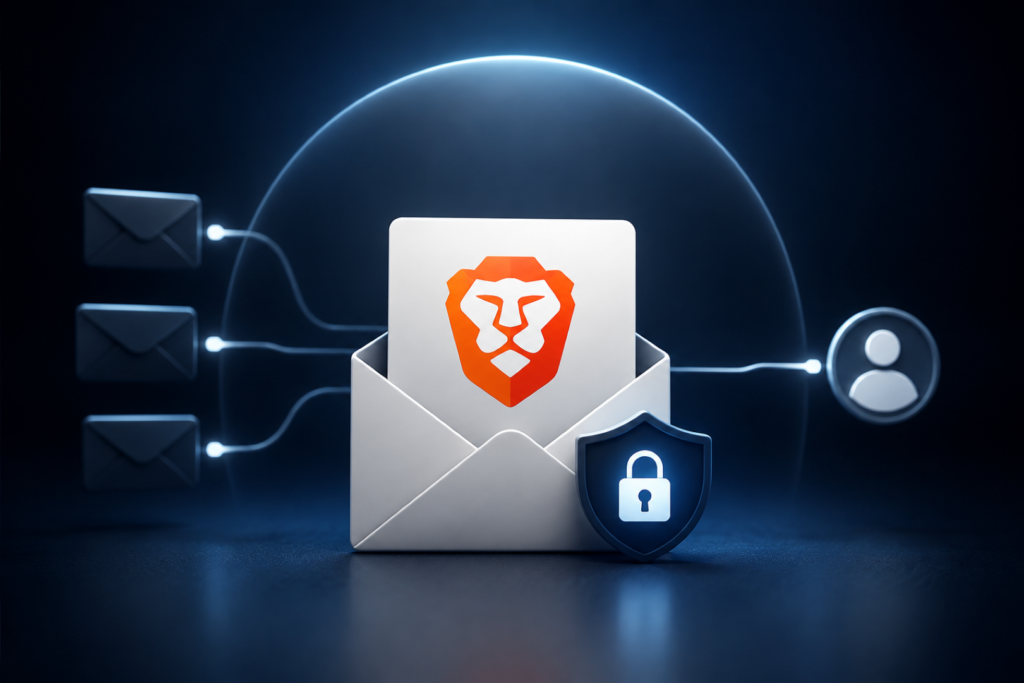
Brave Email Aliases 2026 is giving users a new way to protect their primary email addresses when signing up for websites. Brave introduced the feature with desktop Browser version 1.94 on August 27, allowing users to generate unique email addresses that forward messages to their primary inbox.
The feature is designed to reduce unwanted spam and limit the ability of websites, advertisers and data brokers to connect activity through a user’s real email address. Brave says users can deactivate an alias whenever it is no longer needed or begins attracting unwanted messages.
What Is Brave Browser’s Email Alias Feature?
Brave Email Aliases are unique forwarding addresses generated through the Brave Browser. Instead of entering a personal email address into every website, users can provide an alias while keeping their primary inbox address hidden.
The approach addresses a broader privacy problem: an email address can act as a persistent identifier across different online services. If multiple businesses receive the same address, information associated with those accounts can potentially be matched outside the browser.
Brave says Email Aliases extend its privacy approach beyond browser-level protections by separating the email identifiers users provide to different websites.
Brave Email Aliases: How the Feature Works
The process is integrated into the desktop browser rather than requiring a separate email-alias extension.
Creating an Alias
Users first create or sign in to a Brave Account. After that, an alias can be generated from an email field on a website. If the automatic suggestion does not appear, users can right-click the email field and select New Email Alias.
Managing Existing Aliases
Aliases can be managed through Settings > Autofill & Passwords > Email Aliases or directly through brave://settings/email-aliases.
Messages sent to an alias are forwarded to the primary email address associated with the Brave Account. Users can deactivate an alias when they no longer want to receive messages through it.
Five Free Aliases Initially
Brave is initially providing five free email aliases to each user. The company says it plans to expand the feature to mobile devices and introduce a Premium version in the future.
Security and Data Protection
Brave Email Aliases 2026 also introduces security protections around the account used to manage the aliases.
Brave Accounts use the OPAQUE password-authenticated key exchange protocol. According to Brave, the user’s password is never transmitted to its servers during authentication.
Brave also states that the primary email address and aliases are encrypted at rest. The company says it does not read email contents, although incoming messages are processed for standard spam and virus filtering before forwarding.
According to Brave’s privacy documentation, email content is not logged, and forwarded messages are deleted from its servers after delivery under normal circumstances.
Potential Privacy Risks Email Aliases Can Reduce
Brave Email Aliases does not make users completely anonymous, but the feature can reduce several common privacy and security risks.
Spam and Unwanted Messages
If a website begins sending excessive promotional messages, the associated alias can be deactivated instead of exposing or changing the user’s primary email address.
Cross-Site Tracking
A unique alias can make it harder for organizations to use the same email identifier to connect accounts across different websites. This is particularly relevant when businesses use email addresses for customer matching and advertising purposes.
Data Exposure After Breaches
If a service storing an alias suffers a data breach, the exposed address does not directly reveal the user’s primary email address. However, other information connected to the account could still be exposed.
Readers can follow CyberNexora’s cybersecurity incident coverage for related developments involving online privacy and security.
Official Response From Brave
Brave presented Brave Email Aliases as a privacy feature intended to close a gap between browser-level privacy protections and data sharing that occurs on company servers. The company says its existing protections can isolate cookies and other browser data, but cannot prevent separate companies from comparing information stored on their own infrastructure.
The official announcement also notes that some forwarded messages could initially land in spam folders while Brave establishes its reputation as a mail provider.
For the complete technical and privacy details, readers can consult Brave’s official Email Aliases announcement and its Brave Browser Privacy Policy.
Industry Context: Why Email Privacy Matters
Email addresses have become valuable identifiers for online services, marketing platforms and account systems. Unlike browser cookies, an email address is directly provided by users and can remain associated with them across multiple services.
Privacy-focused tools are increasingly attempting to reduce this type of persistent identification. Email aliases, passwordless authentication technologies and browser-level anti-tracking protections all address different parts of the same broader privacy challenge.
CyberNexora readers can also explore Learn & Protect resources for practical guidance on improving personal and organizational security.
How to Use Brave Email Aliases Safely
- Use a unique alias for services where privacy is important.
- Avoid reusing aliases across unrelated websites when possible.
- Deactivate compromised or spam-heavy aliases instead of exposing your primary address.
- Use a strong, unique Brave Account password to protect access to alias management.
- Check spam folders if forwarded messages do not initially reach the inbox.
- Review aliases regularly and remove addresses that are no longer required.
- Remember that aliases are not anonymity tools; websites can still collect other information about users.
Additional security guidance is available through CyberNexora’s Resources section.
Key Takeaways
- Brave Email Aliases is available on desktop Brave Browser version 1.94.
- Users can create unique addresses that forward messages to their primary inbox.
- Brave initially provides five free aliases.
- OPAQUE protects Brave Account authentication by keeping passwords off Brave’s servers.
- Brave says email data is encrypted at rest and processed for spam and malware filtering.
- Mobile support and a Premium version are planned.
Conclusion: Brave Email Aliases and What Happens Next
Brave Email Aliases gives users a practical way to avoid sharing their primary email address with every website. Its ability to deactivate individual aliases also provides a useful response when an address begins receiving spam or becomes unnecessary.
The next developments to watch are Brave’s planned mobile rollout and Premium offering. As email addresses continue to serve as persistent identifiers across online services, tools that separate users’ real identities from individual accounts could become an increasingly important part of privacy protection.
Frequently Asked Questions(FAQs)
Brave Email Aliases are unique email addresses that forward messages to a user’s primary inbox. They allow users to sign up for websites without directly revealing their personal email address.
Brave currently provides five free email aliases. The company says it plans to introduce a Premium version in the future.
Yes, aliases can help reduce spam because users can deactivate an alias that starts receiving unwanted messages. This avoids having to expose or replace the primary email address.
Brave says it does not read email contents. Incoming messages are processed for standard spam and virus filtering before being forwarded.
Brave Accounts use the OPAQUE cryptographic protocol, which Brave says prevents the user’s password from being transmitted to its servers.
Users can manage them through Settings > Autofill & Passwords > Email Aliases or by opening brave://settings/email-aliases.